
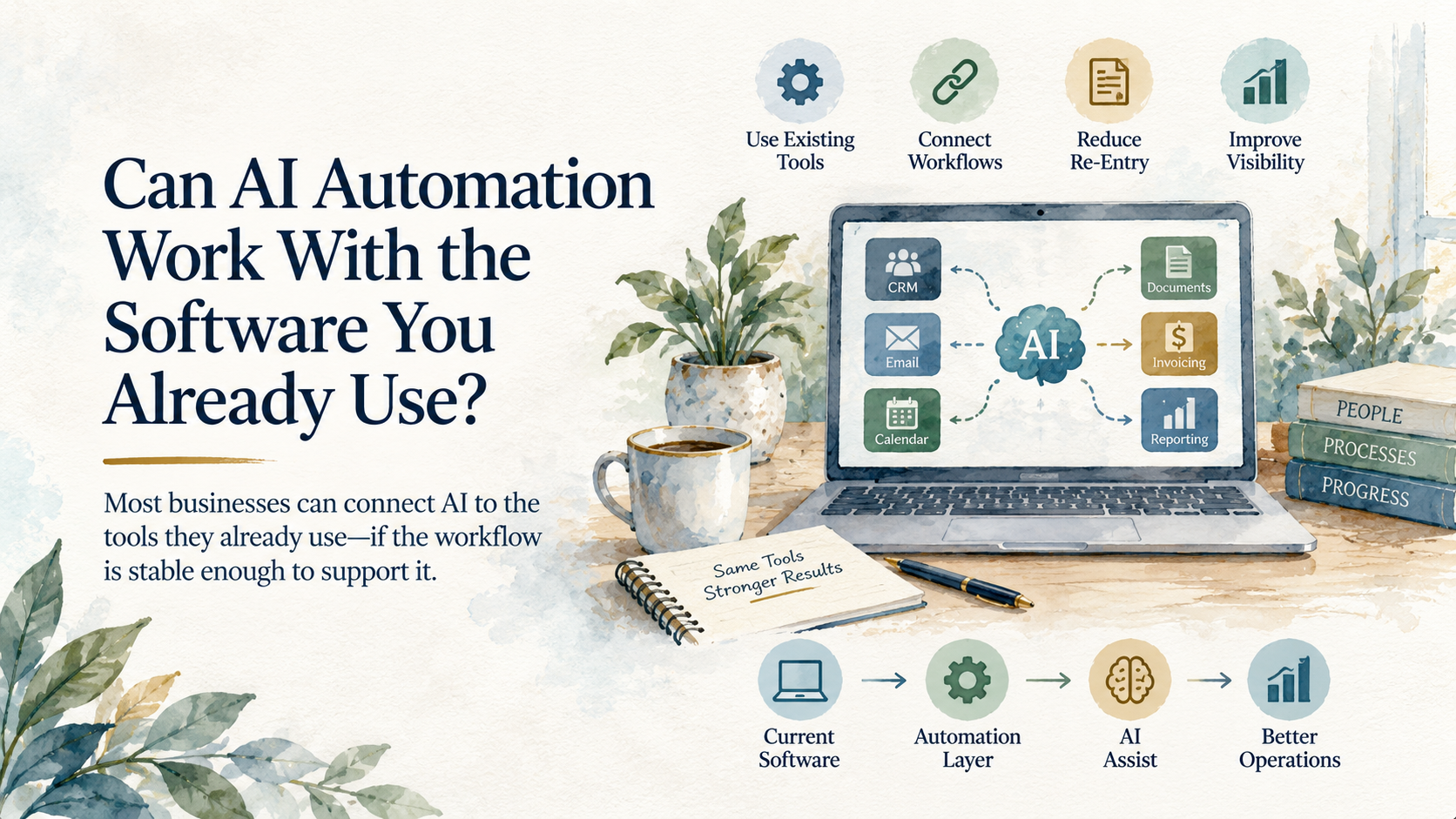
AI automation can usually work with the software a business already uses. The harder question is whether that software is stable enough to deserve a connection.
That distinction matters because replacing a core business system is rarely a small precondition. Migration creates a period of operating ambiguity while employees learn new procedures and old records remain in circulation. A business can absorb all of that disruption and still fail to improve the workflow that started the conversation.
The responsible starting point is an honest test of the existing environment. Good software can be undermined by weak account ownership and inconsistent data. Older software can remain useful when it provides reliable access to trustworthy records. The product's age and interface tell us much less than the way information actually moves through it.
Treat the Automation Like a New Employee
Imagine giving a new employee responsibility for moving customer requests from a shared inbox into a scheduling system. The employee needs more than access to both screens. They need to know which customer record has authority and where to send a request that cannot be scheduled safely.
An automation needs the same operating context.
Suppose an email asks to schedule service at an address that appears on two prior job records. AI can read the message and prepare a new record, but the text alone may not reveal which customer account owns the request. A person may resolve that ambiguity through experience. An automation needs an explicit source of truth and a defined place to send the uncertain case.
This is why a system can be technically accessible and still be unfit for automation. Rarely updated CRM stages leave the workflow acting on stale information. Inconsistent job names force it to match records by guesswork, while several supposedly current spreadsheets can turn a successful update into another disagreement.
Before choosing a tool, decide which system has authority for each decision. Then check whether people actually maintain it that way. Clear ownership and a small exception queue often matter more than a more capable AI model.
Every Connection Chooses a Failure Mode
There is no universally best way to connect business software. Each method trades one kind of fragility for another.
A native integration is usually easy to support, although its behavior is limited to what the vendors decided to expose. An application programming interface allows more control, but version changes become part of the operating responsibility. Scheduled exports can be dependable for work that tolerates delay. Browser automation can reach software with no supported connection, yet a changed button or login screen may stop it without warning.
The choice should follow the consequence of delay or error. Weekly management reporting may work perfectly from a scheduled export. Fast responses to new inquiries can require a direct connection with immediate failure alerts. Financial record changes deserve tighter permissions and a clearer audit trail than an internal summary does.
AI operates inside these limits. It may interpret an attachment or propose a next action, but greater intelligence cannot make an unreliable connection dependable. The workflow still has to retrieve the right input and record the approved result in the correct place.
This is also where uncertainty should remain visible. When two records may refer to the same customer, a confident guess can be more damaging than an unresolved item. Good automation stops and routes the ambiguity for review.
Access Is Part of the Workflow
Many integrations fail because the connection was built under an employee's personal account. The workflow survives only as long as that account remains available with the same access. By the time it stops, the person who built the connection may be gone and the business may have no record of how it worked.
A durable connection uses company-controlled accounts and receives only the authority its job requires. The business should know who manages its credentials and how a failure becomes visible. These details can look like routine IT administration. In practice, they determine whether an automation survives contact with ordinary business change.
A short integration record is often enough. It should identify the authentication account and the person responsible when the connection fails. A brief explanation of the expected data movement gives future support work a starting point and forces ownership questions to be answered before the workflow becomes important.
Replacement Requires Evidence
Some systems genuinely block useful automation because the vendor provides no reliable export or supported interface. Others cannot separate a narrow workflow from dangerously broad permissions. A legacy desktop application that requires constant screen-level manipulation can also impose enough maintenance to justify replacement.
The case becomes stronger when it is written down as a definition of the intended workflow and the information it requires. That record should also establish the acceptable delay and identify the connection methods that were tested. If the current system cannot meet those requirements, the business can evaluate replacements against a real standard instead of a general desire to modernize.
Replacement carries its own uncertainty because historical records may remain necessary and employees can build fresh workarounds during the transition. Even a platform with a modern interface may leave the underlying data inconsistent. The migration plan should preserve access to the required history and define how the business will recognize a working result.
The mature decision preserves existing software when its records, access, and ownership are dependable. It replaces software when a documented limit prevents the required work. AI becomes useful after that judgment is made, because it can operate inside a system the business understands well enough to trust.