
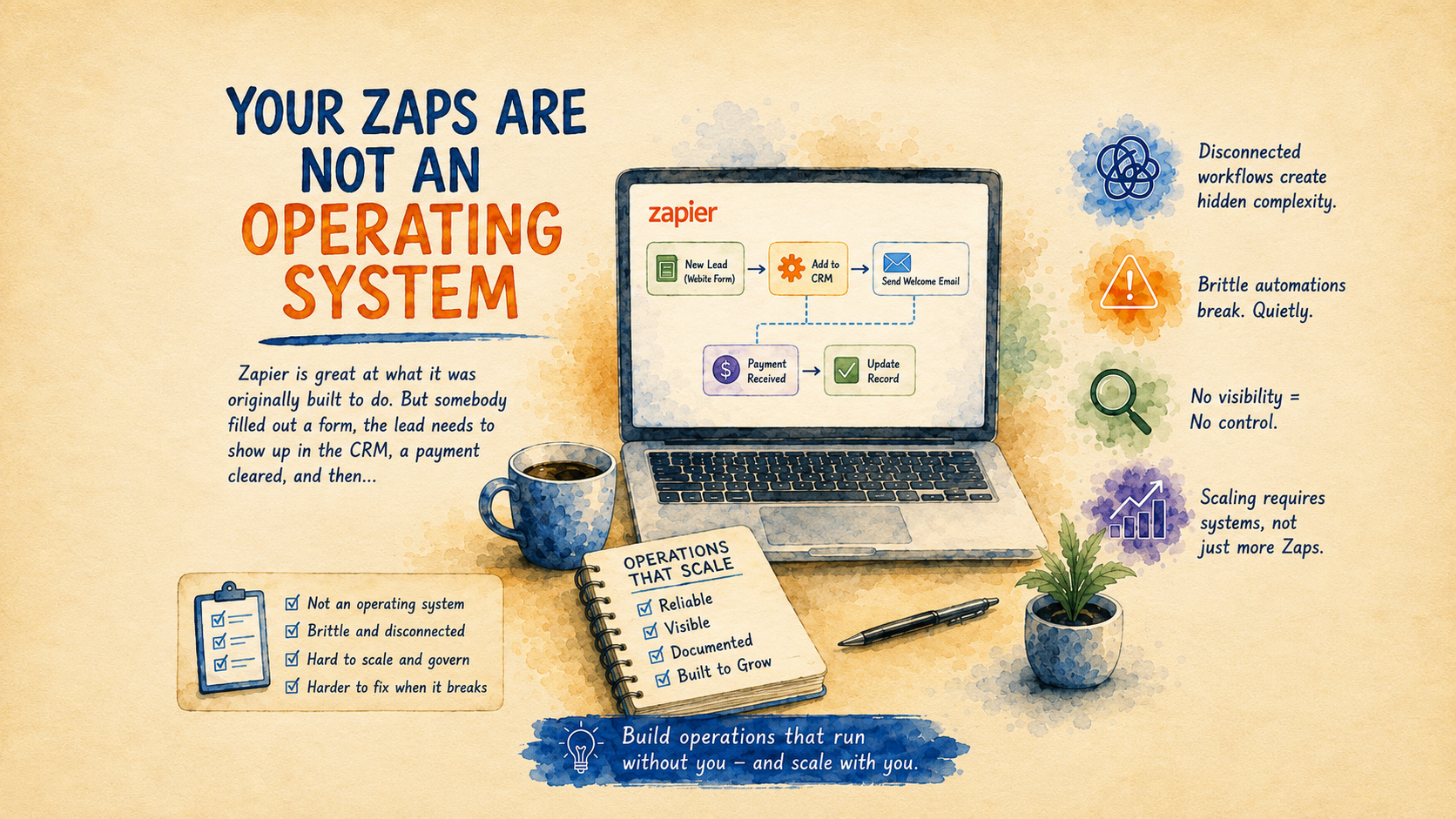
Zapier is good at what it was originally bought to do.
Somebody filled out a form, and the lead needs to show up in the CRM. A payment cleared, and the customer needs a receipt. A spreadsheet row changed, and the office needs to know.
That kind of automation is useful because the job is small. The business is not asking the tool to understand much. It is asking the tool to notice one event and do one predictable thing.
The problem usually shows up a year later.
Nobody says, "We are going to run our operations through Zapier." It happens quietly. A lead notification gets added. Then a filter. Then a second path for commercial inquiries. Then a formatter because the phone numbers are coming in wrong. Then a webhook because the built-in integration cannot reach the field the team actually uses.
By the time anyone notices, the business has a process that works only because one person remembers why all those pieces are there.
That is when a Zap stops being a shortcut and starts becoming a part of the operating system.
The Moment It Gets Uncomfortable
The warning sign is usually a simple question that should be easy to answer.
"Did this customer get followed up with?"
Someone opens the CRM. The record is there, but the status looks old. The email tool says a message went out, but no one is sure whether it was the right one. The spreadsheet has a row with a slightly different name. There is a Zap run somewhere that might explain what happened, assuming the person looking knows which Zap to check.
This is the part that frustrates owners. The automation is not completely broken. If it were broken, the fix would be obvious.
Instead, it is half-trusted.
The team still uses it. They just do not fully believe it. So they build habits around checking it. They ask in Slack. They search the inbox. They keep a side list. They remember that "the Tuesday leads sometimes come in weird" or that "anything from that form needs to be checked manually."
That manual checking is the cost. It does not show up on the Zapier invoice, but it shows up in the way the company works.
Why This Happens
Simple automations are built around clean assumptions.
The form will have the right fields. The CRM record will match. The customer will use the same email address. The next step will be obvious. The person who receives the alert will know what to do.
Real work does not stay that clean.
A lead uses a spouse's email address. A returning customer fills out the form like a new customer. A sales rep updates the notes but not the status. A customer replies to an old thread instead of the new one. A manager wants high-value inquiries handled differently, but only if the customer is in a certain market and the request is urgent.
None of that is exotic. It is normal business.
The automation keeps following its instructions. The business keeps adding exceptions. Eventually the process becomes hard to reason about.
This is where a lot of no-code automation breaks down. The hard part is not connecting App A to App B. The hard part is knowing what should happen when the situation is messy.
AI Can Make It Better or Worse
It is easy to make the same mistake with AI.
Take the old workflow and add a step that summarizes the email. Add another that classifies the lead. Add another that drafts a reply. Now the process feels more advanced, but the same basic question remains:
Does the business know what state this work is in?
If the answer is no, AI may just produce cleaner-looking confusion.
The better use of AI is not to decorate a fragile process. It is to help redesign the process around the decisions people are already making.
For a lead intake workflow, that might mean the system reads the inquiry, checks whether the person already exists, notices that the request mentions a deadline, drafts a response for review, and assigns the owner. If the information is incomplete, it should pause instead of pretending the record is ready.
The important part is not that AI wrote a nicer email. The important part is that the business now has a more reliable way to understand what came in, what happened next, and what still needs attention.
That is the line between AI as a bolt-on and AI as an operating layer.
What To Look For Before Adding Another Zap
Before adding one more automation, look for the shadow process around the existing one.
Where does the team still check manually? Where do people keep side notes? Which reports need a human explanation before anyone trusts them? Which customer updates require someone to reconstruct the story from multiple tools?
Those are better starting points than a generic list of tasks to automate.
If the current process is simple and trusted, keep it simple. A small Zap that works is not a failure. It is just a small Zap.
If the process is important and half-trusted, slow down. That workflow may need a real source of truth, clearer ownership, better exception handling, and AI that helps interpret messy inputs before a human approves the next step.
The goal is not to replace the team with automation. It is to stop making the team babysit automation that was supposed to save them time.
A Better First AI Project
A useful AI project often starts with a sentence like this:
"We spend too much time figuring out what is going on."
That is different from "we send too many emails" or "we copy too much data." Those may be symptoms. The deeper issue is usually that the business cannot see the state of the work without asking people to piece it together.
Pick one workflow where that happens every week. Lead intake is a common one. So is invoice review, document collection, estimate follow-up, customer onboarding, and service scheduling.
Map the process as it actually works, including the parts everyone knows are ugly. Then decide what the system should know, where it should pause, and who should approve the next move.
That is less flashy than saying "we added AI." It is also much more useful.
Final Thought
Zapier can be a good tool. The mistake is asking a pile of Zaps to behave like a well-designed operating system.
If everyone still checks the work manually, the automation has not really solved the problem. It has moved the problem to a place that is harder to see.
Palmetto Intelligence helps businesses turn repetitive, error-prone work into systems people can trust. When AI belongs in that system, it should help the business understand the work better, not just add one more clever step to a process nobody fully believes.